GPT Image, Gemini or Midjourney: choosing images for a website
Neaptide · September 6, 2026 · 7 min read · Updated: October 3, 2026
Compare documented image-generation workflows, then test composition, edits and cost per accepted asset. Includes original examples and a practical evaluation brief.
On this page
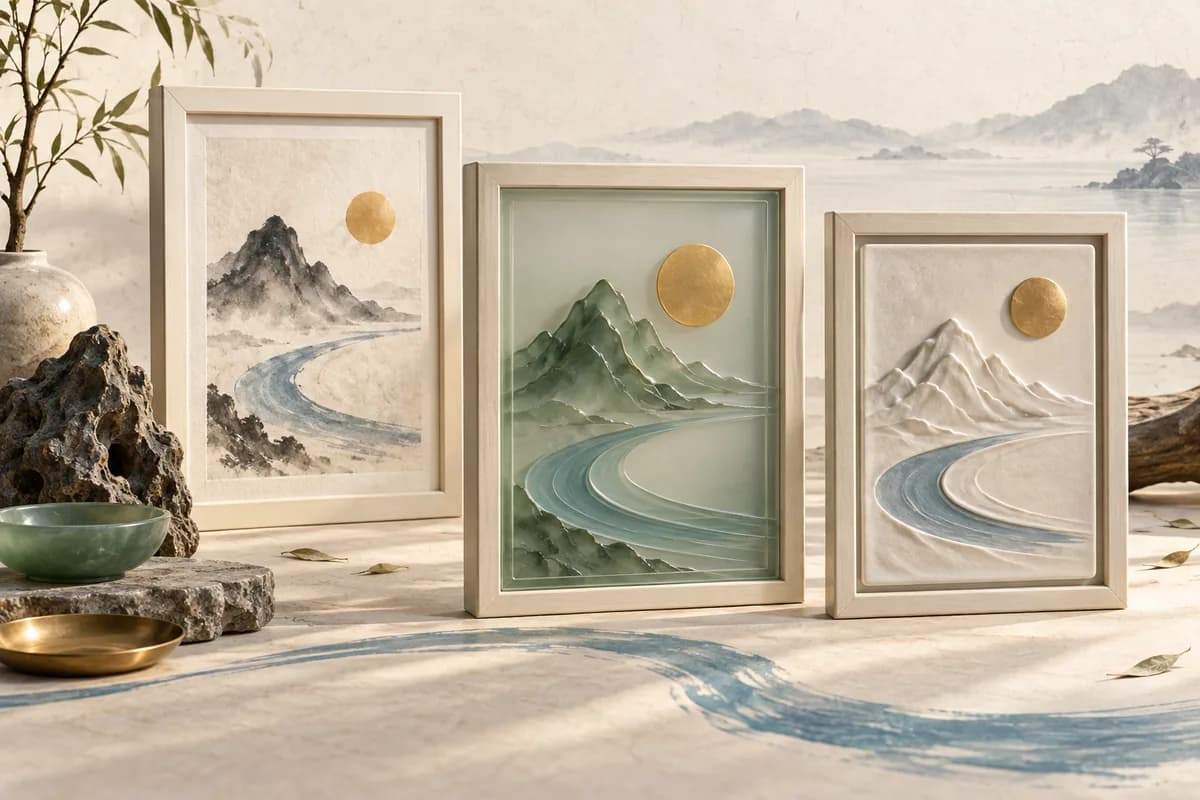
Pick an image generator for the revision you will need next, whether that is clearing room for a heading, keeping the object intact through a background change or producing a vertical version. An attractive first image is only part of the job. If every edit means rebuilding the scene, even a small series gets expensive.
This guide compares the official documentation as it stood on 3 October 2026 and gives you a way to test the tools yourself. We did not run the same brief through all three services, and we give no scores. The illustrations come from our earlier workshop; its tool did not disclose the exact model, so we do not label them as GPT Image 2 results.
Compare capabilities before comparing pictures
| Option | Documented capability | What your test must establish |
|---|---|---|
| GPT Image 2 | Generation, editing, image inputs and flexible sizes | Whether the object survives your edits |
| Gemini / Nano Banana | Several image models with different capabilities | Which exact variant your interface offers |
| Midjourney | Image Prompts and a separate Editor | Whether reference control and local editing suit the task |
Google describes Nano Banana as a family. Its documentation says in so many words that Nano Banana 2 Lite is not optimised for multiple references or sequential editing, so a claim about one variant does not carry over to the rest.
In Midjourney an Image Prompt steers a new creation, and the documentation is clear that it will not copy the reference exactly. Changes to a selected area are the Editor’s job. When you need to keep a product and swap only the background, that difference decides which mode you use.
GPT Image 2 supports both generation and editing, so it is an option when you want to start from an existing image. You still need to check whether an edit preserves the product’s details.
Judge the image inside the layout
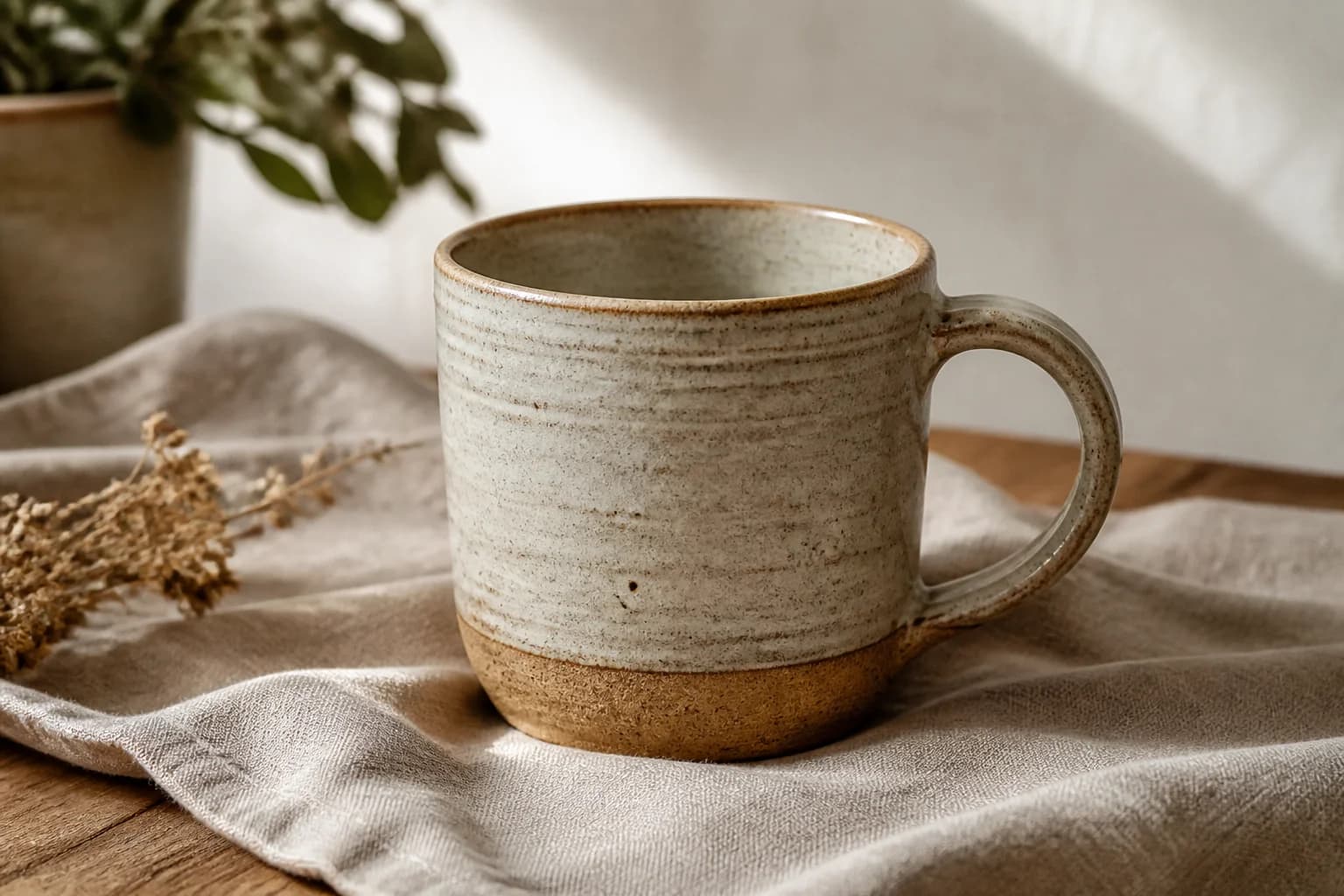
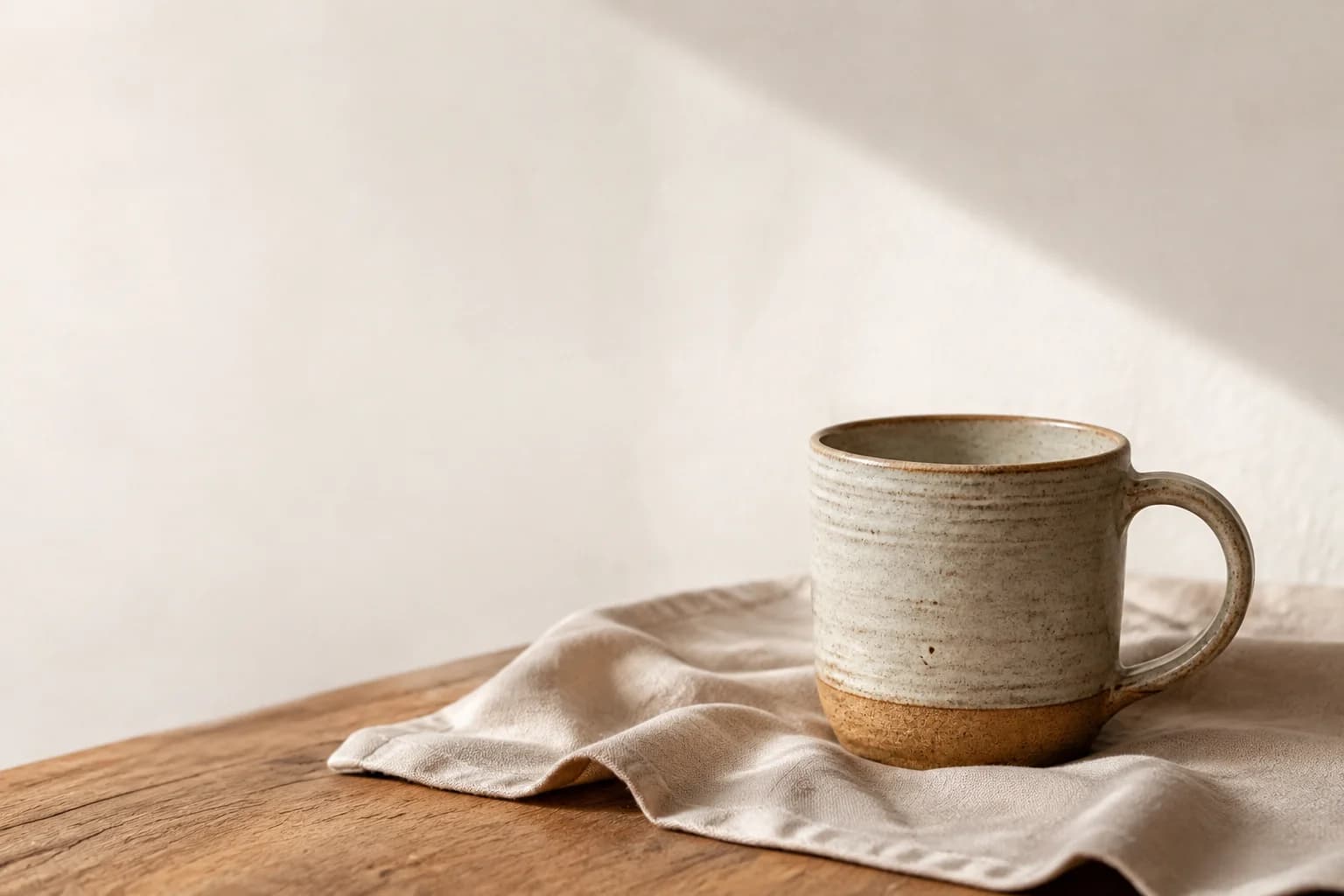
The second composition accommodates left-aligned text without covering the cup. That says nothing about conversion, and it does not make the image better as a picture. A catalogue card may need a different crop entirely.
Test four tasks you will need for the website
- Create a wide image: one object on the right, empty space on the left, no lettering.
- Edit the same source image: replace the background while preserving the handle, proportions and material.
- Make a vertical composition without losing important parts of the object.
- Extend the series with a second object under matching light and on the same background.
Before testing, give each tool the same time limit and number of attempts. Save every result alongside its prompt, reference images, model version and settings, and record why you rejected an image. The same prompt does not mean the same conditions, because each service has its own settings. Note any difference that could affect the comparison.
Banner acceptance: the subject leaves room for the heading; essential details survive; there is no accidental lettering; the vertical version preserves important parts; the series has compatible lighting and backgrounds.Calculate cost per accepted asset
Divide generation and manual production costs by the number of publishable assets. A made-up example: €12 of attempts plus €30 of editing gives three accepted images, so €14 each. If none is accepted there is no unit cost to speak of, but the €42 has been spent all the same.
An API call price and a monthly subscription are not directly comparable without a workload. Count failed attempts, export, retouching and human time. Check current service terms when selecting a plan; this guide does not rank prices.
Keep product facts outside the model’s imagination
Compare edited product images with the real source for proportions, included accessories and surface details. Keep website headings and buttons as ordinary HTML text so they can be changed, translated and resized independently.
Shortlist two tools and test your own page material. Choose the workflow that produces an acceptable series within your budget. If neither does, change the brief or the way the images are produced.