Website builder, CMS or custom development: how to choose for the work ahead
Neaptide · October 14, 2026 · 6 min read
Choose a builder, CMS or custom website by editing, languages, integrations, recovery and export. Evidence from 36 Neaptide pages.
On this page
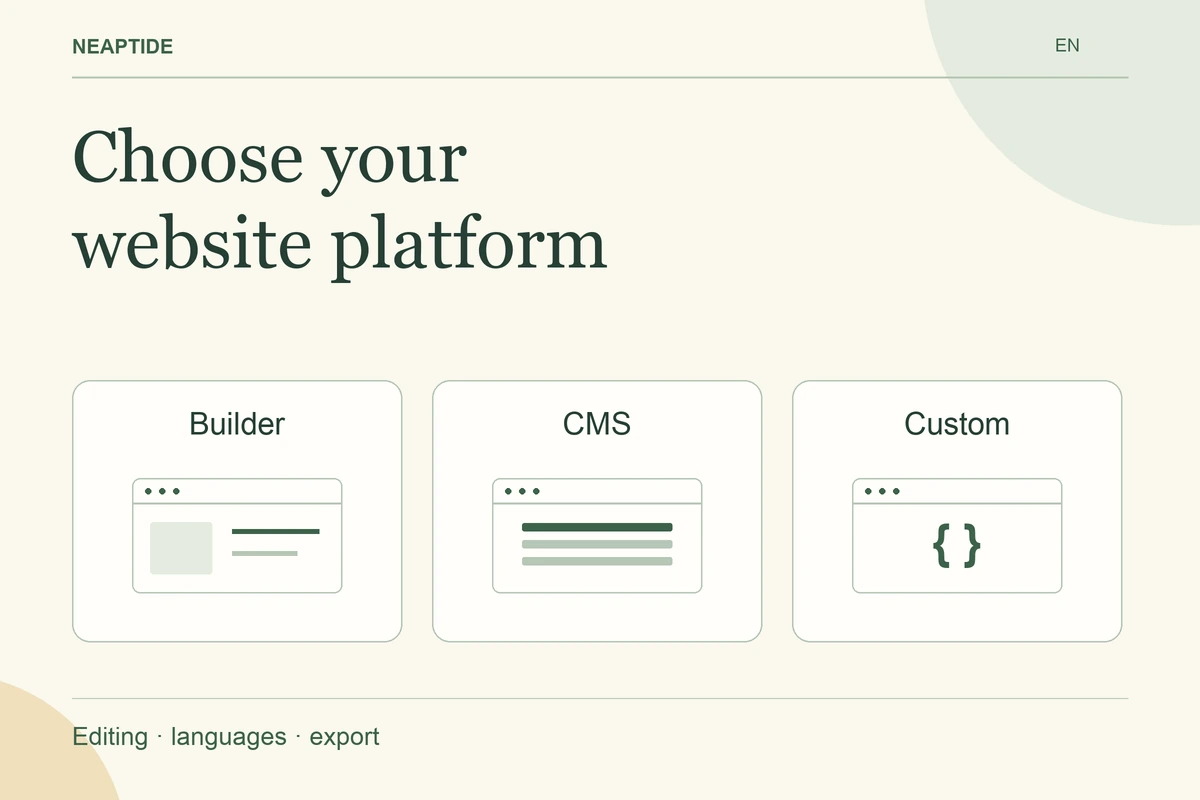
Choose a website platform by the work your team must perform after launch: publishing, localisation, integrations, review and recovery. A builder is a candidate when the site fits its supported features. A CMS is a candidate when structured editorial work dominates. Custom development becomes worth evaluating when specific behaviour and integrations justify an ongoing engineering responsibility.
These categories overlap. A custom frontend can use a CMS, and a hosted builder can manage structured content. The decision is about the complete operating setup, including who maintains it.
What we inspected on our own website
On 9 October 2026, we checked six Neaptide page families across English, Russian, French, Spanish, Italian and Chinese. The sample contained four service pages and two published articles. All 36 page URLs returned HTTP 200 and specified their own URLs as canonical.
This establishes a current working result for that sample. It does not establish that custom development is faster to edit, cheaper to operate or better at ranking than another platform. We did not run a timed editing comparison.
Our release history also makes the operating requirement concrete. The AI search prompt article and the Perplexity source audit were released as separate multilingual content modules, with registration in the blog and associated public assets. A replacement platform would need to preserve those content relationships and the language-specific pages. “Can it display a blog post?” would be an incomplete acceptance test.
Method and observation records.
Write the tasks the platform must support
Use content your team already owns. Ask the person who will maintain the site to update a service description, replace an image, correct a translated answer and inspect the result before publication. Record which actions require a developer and which can be completed independently.
Include recovery. The operator should be able to identify the current published version, restore an earlier one and see whether related languages require review. A convenient editor does not answer those questions by itself.
| Requirement | What to demonstrate before committing |
|---|---|
| Routine editing | The actual editor changes and previews existing content |
| Languages | Each language keeps its intended URL and content relationships |
| Integrations | A real authorised request reaches the intended system |
| Review | A reviewer can inspect changes before release |
| Recovery | An earlier accepted version can be restored |
| Exit | Exported material can be used in the proposed destination |
Do not assign arbitrary scores to make the comparison look precise. Mark a requirement as demonstrated, documented or still untested. A critical untested requirement deserves a practical trial.
Evaluate each option against its ongoing responsibilities
A builder can suit a team that wants to work within a product’s supported publishing and design features. Check what happens when the requested behaviour falls outside them, who maintains added code and which subscription includes the required features.
A CMS can suit a team with recurring structured publishing, several editors and a need to reuse content. Confirm the actual editorial permissions and preview process in the proposed installation. Plugins and a separate frontend add their own maintenance responsibilities.
Custom development gives the project control over implementation, but the delivery must include an owner for dependencies, deployment, monitoring and future changes. Ask for the cost and procedure for a routine content update as well as the initial build. The answer may be a CMS-backed editor rather than direct code editing.
Treat export as a specific capability
WordPress documents WXR export of content such as posts, pages, comments, custom fields and taxonomies. This describes a content transfer mechanism; it should not be treated as a promise to reproduce every part of a running installation. WordPress export documentation.
Webflow documents code export but excludes some hosted functionality, including CMS functionality and form processing. A downloaded frontend therefore needs a separate plan for those functions. Webflow code export documentation.
These are findings from documentation reviewed on 9 October 2026, not results from our own WordPress or Webflow migration. For your purchase decision, test an export containing actual content and restore it in the intended destination. List anything requiring reconstruction.
Ask for an operating budget and a handover
Compare the same scope: setup, subscriptions, hosting, updates, editorial support, integrations, recovery and exit work. Separate one-time work from recurring work. Do not assume that a lower build quote includes the ongoing tasks another proposal prices explicitly.
The handover should name the accounts the business controls, the publishing owner and the support route. It should also explain how to make the next routine change. Neaptide’s website service starts from these requirements so the platform decision can be tied to a working process.