Next.js canonical URL points to the wrong domain: causes we tested
Neaptide · October 4, 2026 · 9 min read · Updated: October 13, 2026
We tested eight Next.js metadata configurations and checked the HTML and browser DOM. See what produced a wrong canonical and which change fixed each case.
On this page
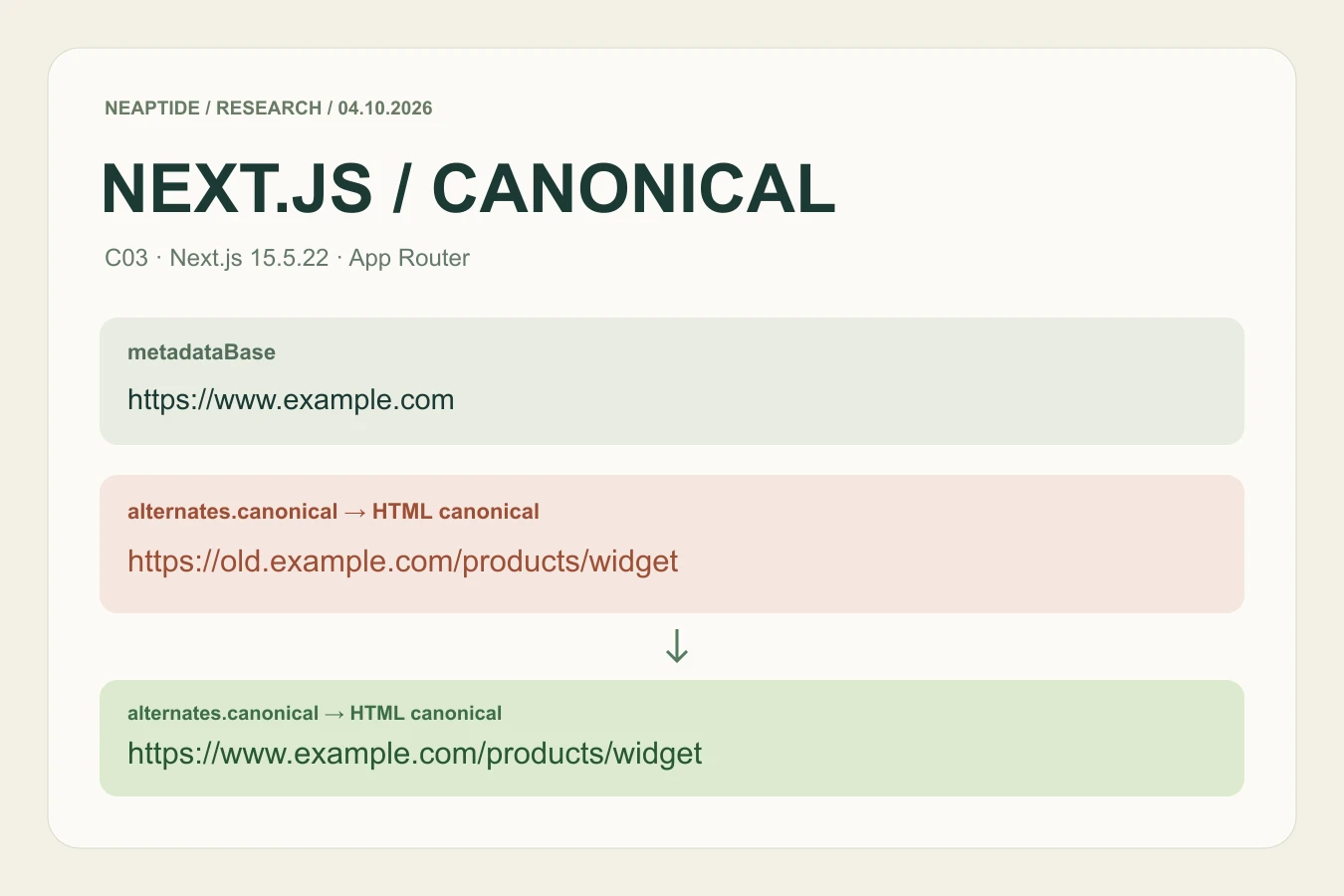
If a Next.js page emits a canonical on an old domain, changing metadataBase may leave the problem untouched. In our absolute-URL case, the old address survived a correct base. The fix was to change alternates.canonical on the page. Start with the URL your application actually emits, then trace the setting that supplied it.
What we tested
On October 4, 2026, we built a separate App Router fixture using Next.js 15.5.22, React 19.2.6 and Node.js v25.2.1. We predefined eight configurations: one correct control and seven deliberately incorrect setups. Each has a before and after route in the same production build. We changed one metadata setting per pair and left the control unchanged.
We collected every route twice: 32 HTTP responses across 16 URLs. We then inspected all 16 rendered documents in a browser. Every response returned 200 with exactly one canonical link in head; both HTTP passes and the DOM agreed. The seven deliberate mismatches disappeared after their corresponding configuration changes. This is a controlled configuration test, not a survey of how often websites have these problems.
The /cXX/before and /cXX/after routes isolate the test cases. Their declared canonical targets use reserved example.com domains and product paths; those targets are demonstration addresses, not copies of the local fixture URLs. The fixture is marked noindex, nofollow.
The eight configurations and their actual output
| Case / configuration | Before: emitted canonical | After: emitted canonical |
|---|---|---|
| C01 · Correct base + relative path (control) | https://www.example.com/products/widget | https://www.example.com/products/widget |
| C02 · Wrong base host | https://preview.example.com/products/widget | https://www.example.com/products/widget |
| C03 · Old absolute canonical | https://old.example.com/products/widget | https://www.example.com/products/widget |
| C04 · Homepage canonical inherited from layout | https://www.example.com | https://www.example.com/products/widget |
| C05 · Nested layout replaces the root base | https://legacy.example.com/products/widget | https://www.example.com/products/widget |
| C06 · Unintended path in metadataBase | https://www.example.com/catalog/products/widget | https://www.example.com/products/widget |
| C07 · Missing /fr language prefix | https://www.example.com/products/widget | https://www.example.com/fr/products/widget |
| C08 · Preview origin from build environment | https://preview.example.com/products/widget | https://www.example.com/products/widget |
An HTTP 200 response did not distinguish correct and incorrect metadata: every fixture returned it. Check the complete canonical URL, including its path and language prefix. In C04, Next.js emitted the inherited homepage without its trailing slash; it was still the wrong target for the declared product page.
Find the setting that owns the wrong part of the URL

Wrong host with a relative canonical — C02, C05 and C08. Inspect metadataBase in the root layout and in nested layouts. In C05, removing the nested override let the correct root base apply. In C08, a controlled build variable supplied a preview origin; replacing that input with the intended production origin corrected the output.
Wrong host with an absolute canonical — C03. The page already supplied a complete old-domain URL. A correct metadataBase did not replace it. Change that absolute value, or the source that generates it, then inspect the emitted tag again.
Product page points to the homepage — C04. The child page inherited the layout canonical. Adding a page-specific alternates.canonical restored the intended product path. Review every affected template rather than assuming the homepage setting will become a page-specific address.
Correct host, wrong path — C06 and C07. A /catalog base path remained in the final URL even though the canonical value began with /. Removing the unintended base path fixed C06. Adding the missing /fr prefix fixed C07. Keep any prefix your actual deployment requires.
A small, explicit configuration to adapt
For a site served at the domain root, keep the base origin in the layout and provide the page path in its metadata. The following is the corrected pattern from C02. Replace the example domain and path with your intended public URL; a site under a subdirectory needs its own path policy.
// app/layout.tsx
export const metadata = {
  metadataBase: new URL("https://www.example.com"),
};

// app/products/widget/page.tsx
export const metadata = {
  alternates: { canonical: "/products/widget" },
};
If your page instead contains the old absolute URL shown below, correcting the layout alone will not fix that page. C03 changed only that canonical value.
// C03 — before
alternates: {
  canonical: "https://old.example.com/products/widget"
}

// C03 — after
alternates: {
  canonical: "https://www.example.com/products/widget"
}
Verify the built page and the browser document
- Run a production build using the same public-origin configuration as the intended deployment. Test the deployed URL too when hosting, middleware or a CDN can alter the response.
- Save the HTTP response and inspect canonical link elements in the document head. Check the full href, the number of tags and any Link response header that could supply another canonical.
- In browser developer tools, inspect the rendered document. The console expression below lists the tags and their location. A mismatch between HTML and DOM needs a separate investigation.
- Repeat after the change. Check representative detail pages, nested routes and translated pages, not just the homepage. Keep the observed URL and expected target beside each result.
Array.from(document.querySelectorAll('link[rel="canonical"]'))
  .map(link => ({
    href: link.getAttribute("href"),
    inHead: link.closest("head") !== null
  }));
C08 tests an environment value, not Vercel infrastructure. Preview indexing controls are a separate concern: Vercel documents its default preview noindex behavior and an exception for custom domains on non-production branches. Check the actual deployment headers before drawing a hosting-specific conclusion.
What this experiment cannot tell you
These results cover one installed version, static metadata exports and a local production server. We did not test streaming metadata, Pages Router or every deployment platform. Matching the intended canonical does not prove that Google will select it, index the page or increase its rankings. Google documents canonicalization as a process involving multiple signals; verify its selected URL separately in Search Console when you have access.
Data, fixture and reproduction instructions
Supplementary reproduction on October 13, 2026: we fixed the identical archived fixture in a Git commit before rebuilding. All 32 HTTP canonical observations and 16 browser DOM checks matched the original results. The downloadable archive includes the separately dated evidence; the October 4 study remains unchanged.
The evidence package includes the frozen protocol, source hashes, observed results and a runnable fixture. The collector performs HTTP checks; browser inspection is documented as a separate step. Direct dependencies are pinned, while transitive dependencies are not fully locked in the standalone package.
- Observed results · JSON
- Method and reproduction steps · TXT
- Fixture, collector and original evidence · ZIP
When the problem crosses several templates
Use the result as a precise handoff: affected URL, emitted canonical, intended target, responsible configuration and the repeated check. If the issue spans layouts, translated routes or deployment settings, our Next.js SEO audit can map those dependencies and produce a prioritized implementation register.
If metadata appears in body, our nine-condition Next.js experiment separates response HTML from browser DOM and examines canonical placement against Google's guidance.