Ecommerce AEO: check product data before rewriting the copy
Neaptide · September 7, 2026 · 5 min read · Updated: October 4, 2026
Align product pages, feeds and structured data using a real IKEA BILLY listing: article number, price, dimensions and unverified stock.
On this page

A product page says “in stock”, but the size the buyer picked is available only to order. The buyer has already been misled, and the same mistake can turn up in search or in an AI answer. So ecommerce AEO starts with a plain check that the product, its included accessories, the price and the purchase terms agree wherever they appear.
Check one product and all its variants
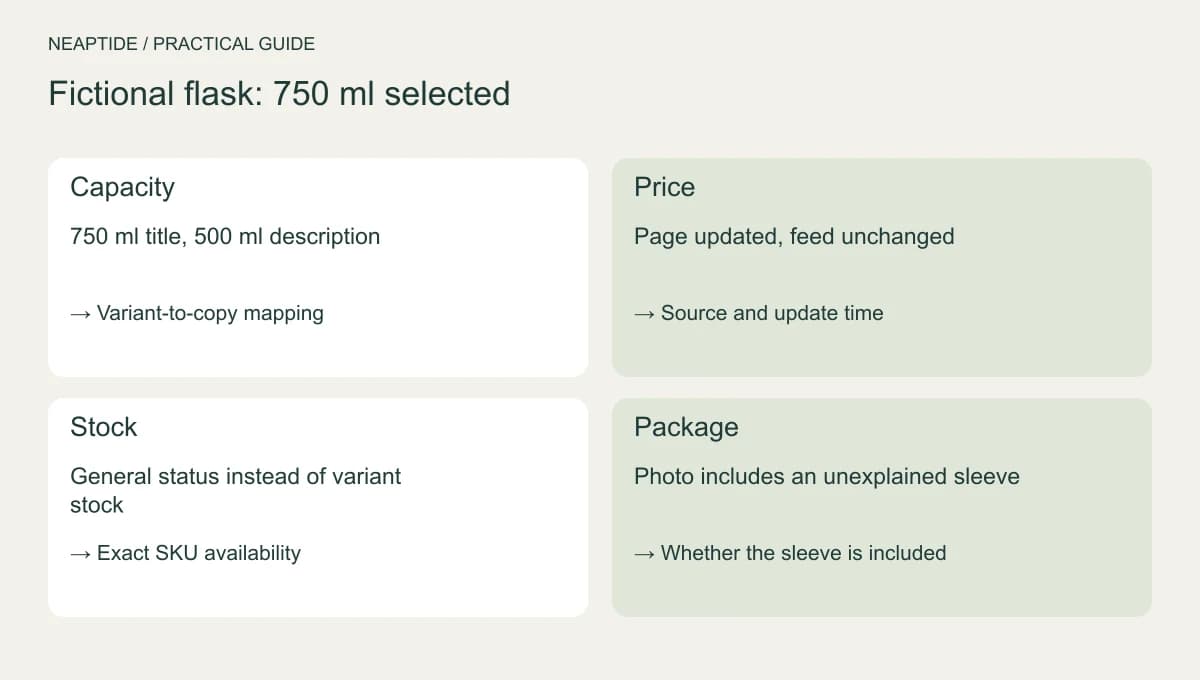
Pick an item customers keep asking about. Compare its name, SKU, variant, specifications and units. Size or capacity should never be carried over quietly from another option. And the price has to say what it buys: one item, a set or a pack.
For each field that changes (prices, stock, delivery terms), find out where the data comes from and who maintains it. A product feed is the file that sends those details to other services. If it is edited separately from the page, the two can drift apart.
A real product page: IKEA BILLY in Germany
Use IKEA Germany’s white BILLY bookcase, article 002.638.50, checked on 3 October 2026. We inspected the public description, not IKEA’s internal feed, and do not claim to have found a synchronization defect.
| Field | IKEA Germany data | How to use it |
|---|---|---|
| Article number | 002.638.50 | Match the description to this product |
| Dimensions | 80 × 28 × 202 cm | Width × depth × height, not packaging dimensions |
| Price | €49.99 including VAT | Germany; delivery and Click & Collect cost extra |
| Included shelves | One fixed and four adjustable shelves | Do not infer that styling props are included |
| Availability | Not established by the fetched page | Check the selected store or delivery address |
Make structured data match the selected product
Google sets different requirements for product snippets and merchant listings, and has separate guidance for variants. Use the structured data that fits the page and the offer it displays. There is no need to add every available field.
Check which variant the marked-up offer describes and what a visitor sees at its URL. An unknown price is not zero, and unavailable stock is not available. Ratings and identifiers that do not exist must not be invented to satisfy a validator.
Answer questions that affect the purchase
Say what is included, which dimensions matter, what the product works with and where it can be delivered, using only information you have verified. “Suitable for everyone” does not answer a compatibility question.
Compare items on the same fields and under the same conditions. An unknown property is marked as unknown. It is not a zero, and it is not a point against a competitor. Fix the data source first, then rewrite descriptions and guides.
Test the full update path
Choose a variant, copy its link and reopen it. Compare the product page with the feed and structured data, including price and availability. Then change a price or stock value in a test environment and run the check again. You will see whether every source picks up the update.
Structured data guarantees neither a search appearance nor an AI recommendation. Accuracy, visibility and orders each need tracking on their own. If you would like to discuss the work with Neaptide, send a few affected product pages and tell us how prices and stock are updated.