Multilingual websites: what you need beyond translation
Neaptide · September 7, 2026 · 5 min read · Updated: October 3, 2026
Plan language URLs, navigation, forms, SEO and ongoing updates. Includes a Neaptide URL example and a practical acceptance checklist.
On this page

Translating the homepage does not make a website usable in another language. Someone reads about a service in their own language, opens the form, finds it untranslated, gets an error they cannot read and leaves. So plan the whole journey, right through to the confirmation message and the reply from your team.
Choose markets you can support
Languages and markets are two separate decisions. Having an English version does not mean you offer the same terms in every country. Work out where you can actually provide the service, how customers there can reach you and who will answer them. If an office does not exist, leave it off the site.
Each language needs a content owner, and that person needs a way of hearing about changes. When service terms change, for example, someone has to assign the translation updates and check the related form messages. Prices and instructions will keep changing after launch, so budget for that work alongside the first translation. Otherwise visitors to different versions may be promised different things.
Follow the same journey in two languages
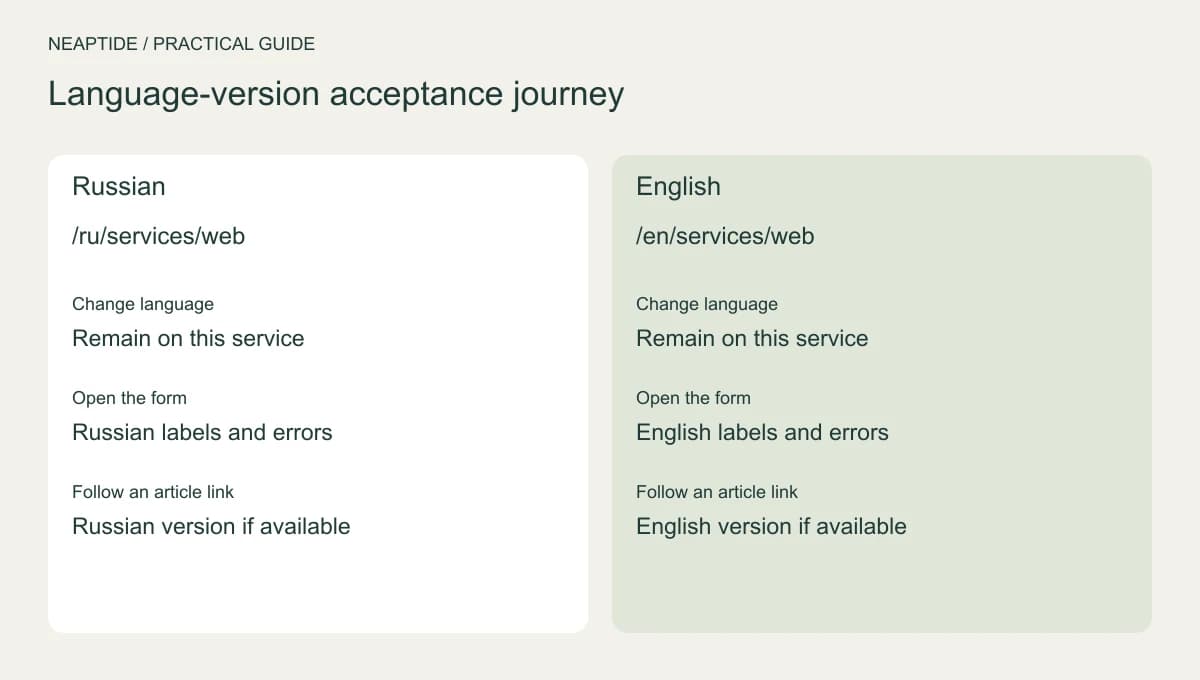
Neaptide publishes the same web development service at /ru/services/web and /en/services/web. The pair makes a convenient test of two things: whether changing language keeps the visitor on the same service, and whether the contact dialog opens in the language they picked. The table lists what to check. It is not a record of tests on every device.
| Step | Russian | English |
|---|---|---|
| Open the service | /ru/services/web | /en/services/web |
| Change language | Remain on this service | Remain on this service |
| Open the contact dialog | Russian text and buttons | English text and buttons |
| Follow an article link | Russian version if available | English version if available |
Give each version its own URL
Google recommends a separate URL for each language version. Hreflang tells it which pages correspond. Each version should reference itself and all the others, and the links have to run in both directions. That describes the site’s language structure to a search engine, but it does not replace the translation.
A complete translation generally needs its own canonical URL, which identifies the preferred address for that page. Pointing every translated page to the original language by default is a mistake. Near-identical pages aimed at different regions are a separate case and have to be assessed on their own.
Visitors should be able to open the language they chose directly, from a link. Do not force a different version on them because of their IP address. If a page has not been translated yet, say so and offer a version that exists.
Translate forms and messages along with the pages
Beyond the main text, check service names, currencies, units, dates, captions and metadata. Local search wording needs its own research, because a keyword translated word for word may not be what customers in that market type.
Submit the form with the required fields left empty and read the error. Then fill it in properly and read the confirmation. Internal links should stay in the same language wherever a translation exists. Linking to a useful source in another language is fine if you say which language it is in.
Plan for the next update
Keep a list of pages and their translations, with the date of the last substantive update to each. When service terms change, assign updates to the other versions too, and remember that diagrams and downloadable files are part of the review.
After launch, review enquiries and search performance for each language section. A gap in traffic does not in itself point to a poor translation, since demand and competition differ from market to market. To discuss a multilingual site with Neaptide, prepare a list of markets, pages and languages your team can maintain.