How to review AI-generated code: from diff to a working user journey
Neaptide · September 20, 2026 · 9 min read · Updated: October 3, 2026
Review AI-generated code through diffs, meaningful checks and user journeys, with review prompts and a completion-report template.
On this page
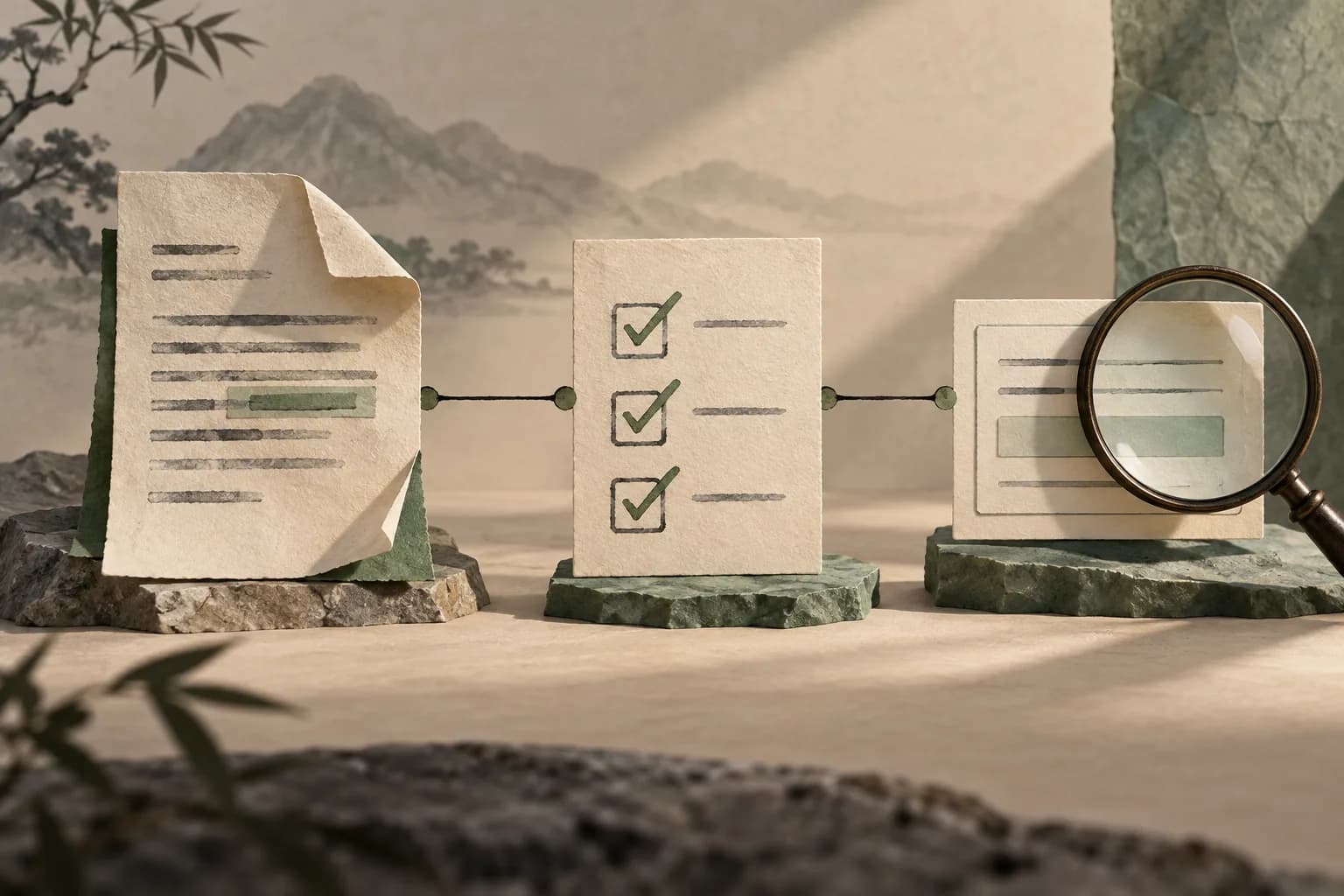
The agent fixes form submission, the tests pass, and a server error still wipes the user’s input. That happens when review stops at the diff and a run of green commands. Accept code on a chain of evidence instead: what changed, which check catches the defect, and what happens in the user journey.
Review AI-generated code at three levels: file changes, automated checks and the user journey. The workflow below will not guarantee bug-free software. What it does is show you which evidence is still missing.
Write acceptance criteria first
“Fix submission” is too vague a brief for an enquiry form. Describe behavior you can observe:
If the server returns an error, keep the field values and show a clear message. While submission is in progress, do not create a duplicate request. After success, show confirmation.
Keep requirements apart from preferences. Otherwise an elegant refactor can quietly stand in for the bug fix the task was opened for.
For complex work, ask the agent to locate the affected areas and the existing checks first. Giving the agent an explicit way to verify its work is also part of Anthropic's recommendations.
The agent’s explanation tells you what it intended. It says nothing about observed behavior. A diff shows the edit. A test establishes one particular condition. Running the journey connects the interface to the outcome. Each has its limit, and a screenshot of a success message does not prove that an email arrived.

Level 1: read the diff
Go through the list of changed files and explain to yourself why each one was touched. A small form fix has no business quietly modifying authentication, dependencies or deployment configuration.
Check that:
- Existing access rules and error handling remain intact.
- A real check has not become unconditional success.
- Tests that detected the problem have not disappeared.
- No secrets, unnecessary logs or temporary bypasses were introduced.
Use git diff and git diff --stat. If the agent has already committed its work, compare the relevant commits, because the ordinary uncommitted diff may now be empty.
Run git status --short before reading the diff, since new files may be absent from it entirely. git diff compares the working tree with the index, and git diff --cached compares staged changes with HEAD. For all tracked uncommitted changes at once, use git diff HEAD. Work that is already committed has to be compared against its starting point.

Level 2: run appropriate checks
Ask for the exact commands and the outcome of each. “Started,” “finished” and “passed” are three different things. An environment failure can end a process without proving or disproving anything about the fix.
| Check | What it establishes |
|---|---|
| Type checking | Compliance with checked type constraints |
| Function test | Expected output for selected inputs |
| Integration test | Compatibility between interacting components |
| Build | Whether this configuration builds |
| Browser scenario | Whether the observable user journey works |
No row in the table replaces the others. A successful build, for one, does not prove that an email reached its recipient.
For a reproducible bug, make sure the relevant test fails on the old behavior and passes after the fix. If it does not, it may only be testing some convenient property of the new implementation and missing the original defect.
Level 3: follow the user journey
For the form, check empty input, invalid values, server failure and successful submission. Work with test data and a test destination, so that you can observe the outcome without real customer enquiries.
In browser automation, check visible behavior and rely on stable interface landmarks. Playwright recommends isolated tests and locators tied to what the user sees.
A screenshot proves a visible state, not the whole chain. For an enquiry, check as well that the handler receives the correct fields, that the record appears in the test system and that a repeated click does not create a duplicate.
A handy regression scenario: fill in the form, trigger a controlled server error, confirm that the fields keep their values, then retry. A second click while the request is pending must not create another submission. Mocking a response in the browser test covers error handling only. Actual delivery needs its own check with a test recipient.

Use a second agent for review
Give it the original assignment, the diff and whatever check results you have. Ask it to find violated requirements and explain how to reproduce each one. And do not prime it by saying the first agent fixed everything correctly.
A prompt that works:
Review these changes against the task requirements. For each finding, provide the file, conditions that trigger the bug and a way to verify it. Avoid generic recommendations unrelated to this diff. Separately identify what the available evidence cannot confirm.A second agent gives you more questions, nothing more. The verdict on correctness still rests on code and checks. When a finding is disputed, reproduce the scenario. A vote between models proves nothing.
Write a completion report
Keep a short record that someone can go back to and check:
Change: what was fixed and in which files.
Checked: commands, conditions and outcomes.
Scenario: actions performed in the application.
Not checked: environment limitations and open questions.
Decision: accept, revise or request more evidence.
Accept a change when you can connect the requirement, the diff and an observed outcome. Keep the commands and scenarios that were actually run, along with whatever is still unchecked. If a defect reproduces, give the agent the exact step and the expected behavior. That gets you further than “check again”.
Sources and verification
Technical sources and calculations checked on October 3, 2026. Scenarios and diagrams are illustrative Neaptide examples. We ran no comparative product benchmarks.